
Gala GLP-1 Login Code Not Working? How to Fix the Email Delay Fast
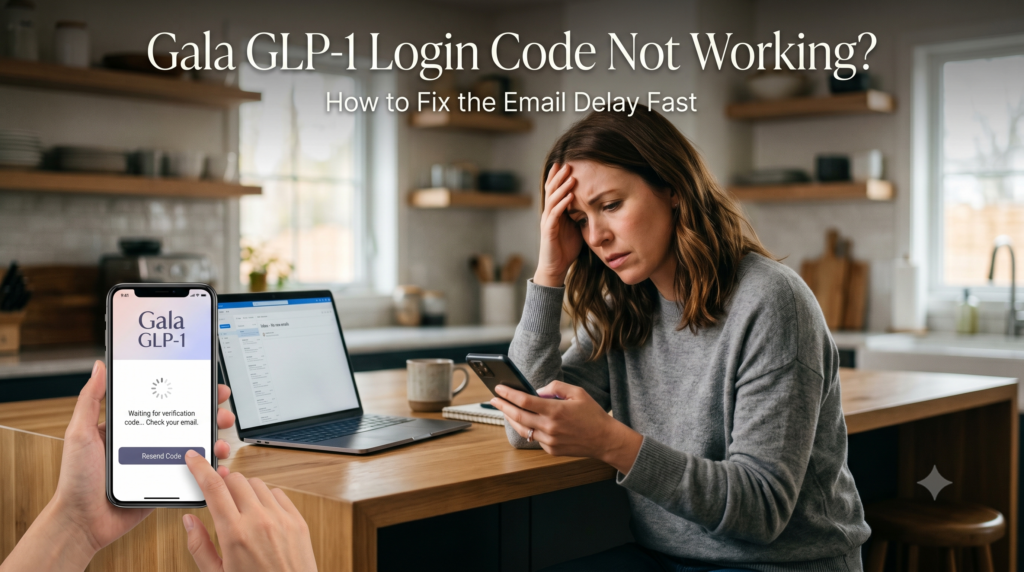
If you are on a medical weight loss protocol, timing means everything. You have your dosing routine down to a science, you are keeping a close eye on your nutritional goals, and you rely heavily on your tracking dashboard to log your progress. But few things are more frustrating than opening your app to log your latest injection or double-check your communication portal, only to find you have been logged out automatically.
Even worse, when you try to sign back in, the mandatory verification system fails to deliver. You sit there watching the screen loop, waiting for a security credential that takes hours to hit your inbox.
This exact technical hitch is currently a widespread roadblock for many users managing their treatment. When your verification step fails, it stalls your whole day.
If you are currently locked out or running into systematic platform bugs while navigating your wellness plan, tracking updates on the Gala GLP 1 homepage is the best way to determine if the issue stems from a localized error or a broader server-side platform update.
As someone who relies on smooth digital tracking to keep health routines seamless, I know how disruptive an unexpected loop can be. Let’s dig into exactly why these email verification bottlenecks happen and look at the real, hands-on workarounds to get you past the security gate immediately.
Why the Verification System Gets Stuck in a Loop
Unlike platforms that rely on traditional, easily compromised passwords, the system runs on a passwordless, magic-link security verification method. Every time you open the tracking application on an unverified mobile device or after a background update drops, the platform triggers a unique token delivered straight to your registered email account.
When this pipeline breaks down, it usually boils down to two main root causes:
Severe Server-Side Queue Delays: The sudden influx of hundreds of thousands of active users logging food metrics, dosage increments, and consulting messages can trigger severe latency in delivery relays. By the time the automated message drops into your inbox two hours later, the security window has closed, rendering the six-digit sequence expired.
Aggressive Spam Filter Sorting: Because transactional messages are broadcast automatically by third-party mail distribution servers, major providers like Gmail, Yahoo, and Outlook routinely mistake them for bulk commercial mail, sweeping them completely out of your primary feed.
5 Practical Steps to Bypass the Bottleneck Immediately
If you have hit “Resend Code” multiple times, you have likely accidentally stacked multiple pending requests in the server queue, which will only lock your account up further. Instead of blindly tapping the screen, work through these proven adjustments to kick the system back into gear.
1. Execute a Hard Close and App Cache Flush
If the application has been running continuously in your phone’s background memory, it might be trying to load an expired tracking session.
On Android: Swipe out of the application completely. Go to Settings > Apps > Gala GLP-1 Tracker > Storage, and tap Clear Cache. Do not click clear data, just clear cache. This wipes out temporary tracking junk without deleting your user profile.
On iPhone: Swipe up from the bottom of your home screen, firmly flick the preview window upward to kill the background operational thread, and restart the software cold.
2. Whitelist the Official Technical Support Domain
To prevent your email provider from blocking or delaying incoming verification strings, you need to manually tell your email client that the sender is a trusted contact.
Log directly into your email provider via a desktop browser, open your address book, and create a brand new contact using their direct backend application support channel: team@galaglp1.com. Whitelisting this address forces your incoming mail provider to skip secondary security filters, clearing a path for the automated transactional engine to drop directly into your main inbox.
3. Check Alternative Filter Tabs (Not Just the Main Spam Folder)
Modern inbox interfaces are divided into highly segregated structural tabs. If you are exclusively monitoring your primary email window, you are likely missing the update entirely. Pop open your email menu sidebar and manually review these specific hideouts:
The Promotions Tab (Highly common landing spot for verification scripts)
The Updates or Forums Folder
The traditional Spam/Junk directory
4. Step Away from Cellular Data and Use Stable Wi-Fi
If your phone is rapidly switching back and forth between 5G cell towers and weak local network nodes, the application can drop its secure socket connection mid-request. This causes a breakdown where the server records a code request, but your phone fails to register the incoming handshake. Switch your smartphone over to a rock-solid, private Wi-Fi connection before hitting the resend button one final time.
5. Utilize the Direct Desktop Workaround
When the mobile interface becomes completely stuck in an endless authentication loop, you can often bypass the app store framework entirely by accessing your dashboard on a standard desktop computer. Open an incandescent web browser tab, head directly to the official platform portal, and attempt your login there. If the web terminal fires the access token instantly, you’ll know the issue is a bug within your local mobile software version rather than a full account freeze.
Troubleshooting Guide for Login Code Issues
| Issue Faced | Immediate Root Cause | The Fast Technical Fix |
| Code takes over 10 minutes to arrive | Server-side transactional queue latency or mail relay delays. | Clear mobile cache, add team@galaglp1.com to contacts, and wait 15 minutes before retrying. |
| “Invalid Code” error message pops up | The user entered an old, expired token from an earlier stacked request. | Delete all past verification emails, close the app fully, restart, and request exactly one new code. |
| Screen stays entirely blank after code entry | Local app interface bug or corrupted cache data. | Hard reboot your smartphone device and toggle off cellular data to use a Wi-Fi connection. |
What to Do If You Are Still Locked Out
If you have methodically stepped through every troubleshooting layer and your access tokens are still missing hours later, your profile might be experiencing an active data sync error on the corporate server side.
When this happens, do not keep spamming the request button. This can alert automated security protocols, flags your home IP address as a potential security risk, and blocks your profile for a mandatory 24-hour cooling-off window.
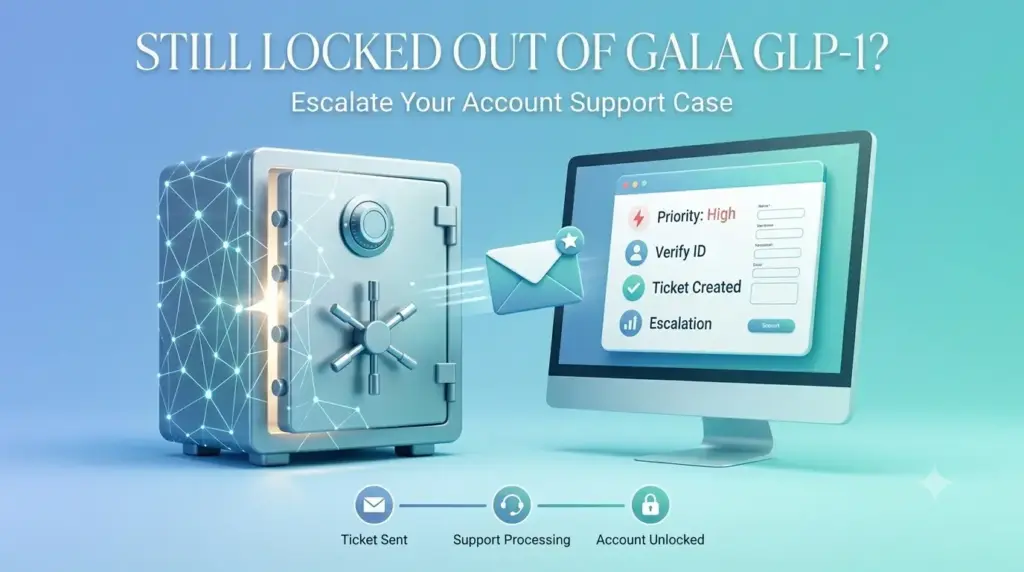
Instead, compile your account email address, your current smartphone operating system variant, and a clear screenshot of the infinite loading loop screen. Fire these details off in a direct support message from your registered email account to their core support desk. Since their team works directly with the underlying AI Coaching software architecture, their database administrators can manually refresh your authentication token from the backend, pushing your weight management tracking dashboard back into perfect, functional alignment.
Privacy Policy | Disclaimer | Terms and Conditions | Author Bio
FDA Compliance
All content and information found on this page are for informational purposes only and are not intended to diagnose, treat, cure or prevent any disease. The FDA hasn’t evaluated the statements provided on this page. Make sure you consult with a licensed doctor before taking any supplement or making any changes to your diet or exercise plan. Individual results may vary.
The display of third-party trademarks and trade names on this site does not necessarily indicate any affiliation or endorsements of our website. If you click a merchant link and buy a product or service on their website, we may be paid a fee by the merchant.
Copyright © 2026 –Galaglp1us